
Last Updated on June, 24, 2026
User can delete the account by:
Logging in to account
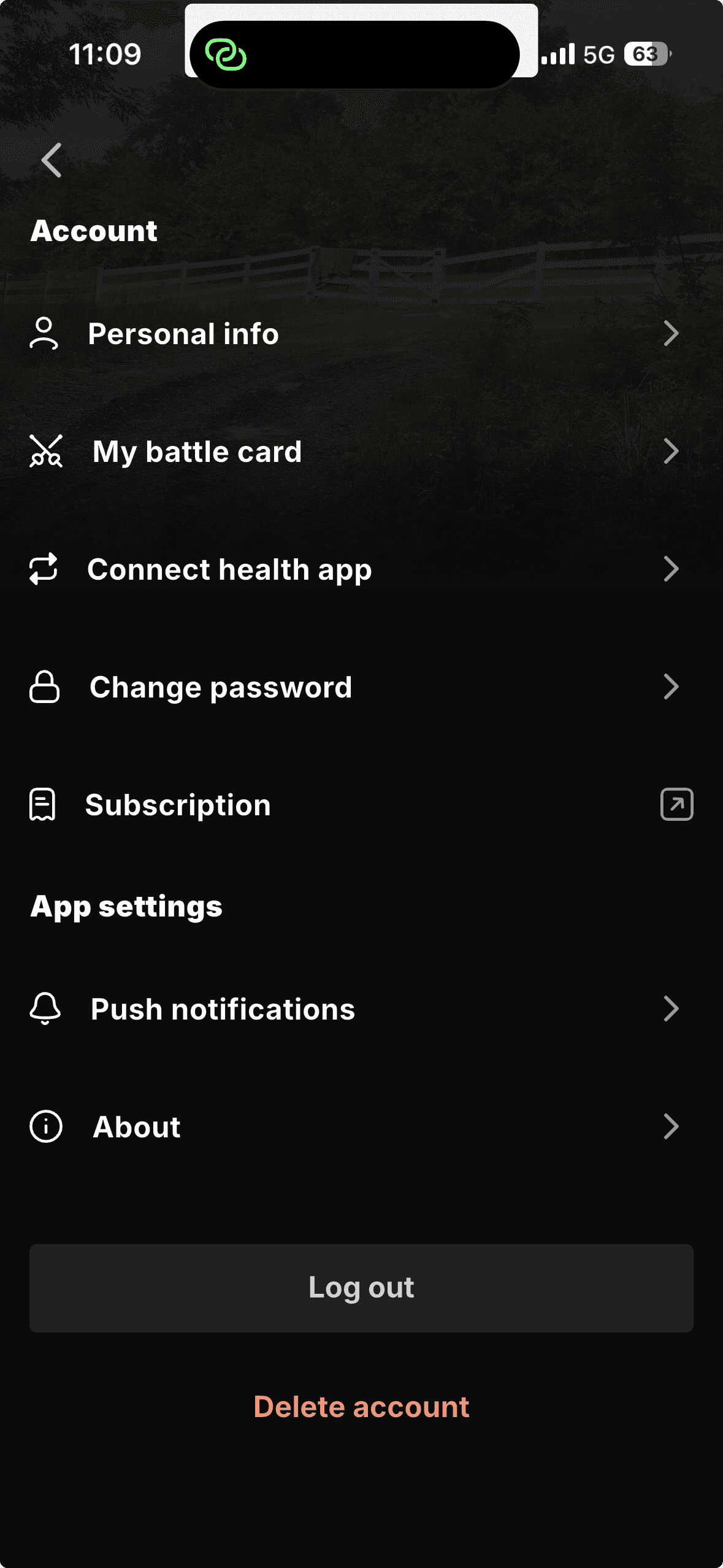
Navigating to their profile settings page
Select and confirm the Delete account option
Deleting account by contacting our support:
Navigate to the contact page or message us on Hello@trainwithpact.com
In the description please note that you want your account to be deleted
Our team will reach out to confirm deletion off the account
Please note that after you delete your account we cannot reactivate. You will need to create a new account.